
Guide
The Spike Volleyball on PC: Bigger Screen Options Explained
Can you play The Spike Volleyball on a PC? What we verified about the Windows version, how the mobile game feels on a big screen, and which device suits which player.

CONTENTS On this page
Plenty of players meet this game on a phone and immediately wonder about a bigger court. This guide covers the PC question honestly: what exists, how it relates to the Android game this site documents, and who actually benefits from the big screen. Start from our The Spike Volleyball page whenever you need the file, the facts table or the rest of the library.
What exists on PC
The Spike has a free PC version on Windows storefronts under the Cross name, launched as the desktop sibling of the mobile game. It carries the same volleyball heart: story, characters and the one player rally craft, presented for keyboard and big screen play.
Accounts and sign in follow the PC platform rules there, which differ from the Android flow this site covers. Treat the two as siblings rather than the same install: progress habits and device expectations should be set per platform.
How the big screen changes the game
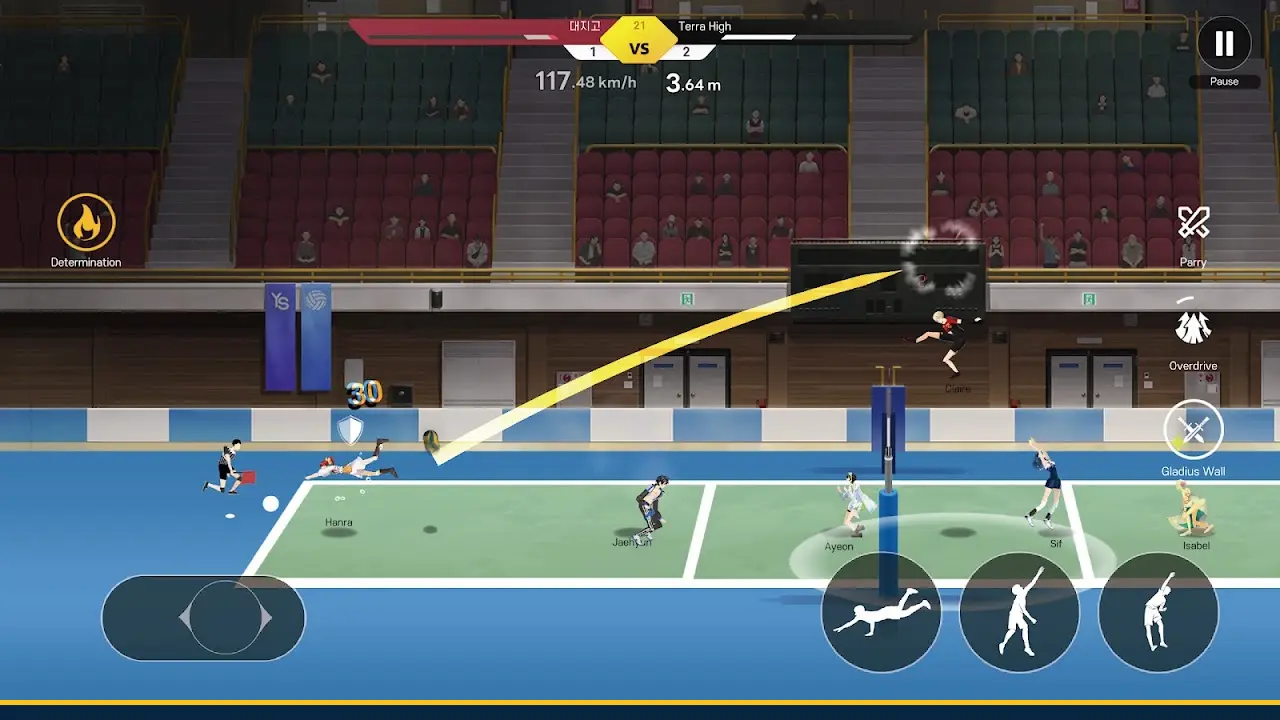
A monitor makes reading the block and the defence easier, and story scenes get the room their art deserves. What does not change is the core skill: approach rhythm and timing windows are the game on every screen, and they transfer between devices completely.
If you split time between phone and PC, expect one adjustment match each way. The hands relearn the size of the court faster than the eyes expect, and then the rhythm is simply yours again.
Keep going with How to Install The Spike Volleyball on Android, Step by Step and The Spike Volleyball Settings and Performance Guide for Smooth Rallies: together they cover the ground around this topic, and each one was written from the same test sessions on real phones.
Which device suits which player
Choose the phone if your play happens in gaps: commutes, queues, one set before sleep. The Android game is built for those sessions, with landscape play that starts fast. Choose the PC if your sessions are long, seated and story focused, where the bigger court view pays off rally after rally.
Many players keep both: phone for daily matches, PC for weekend story pushes. Either way, the skills compound, because the volleyball underneath is one game.
Quick Answers
Is there a PC version of the game?
Yes. A free Windows version exists under the Cross name on PC storefronts, as the desktop sibling of the mobile game.
Is the PC version the same game as Android?
It shares the story, characters and rally design. Platform details such as sign in follow the PC storefront, and this site documents the Android version.
Does progress transfer between phone and PC?
Do not count on it. Treat each platform as its own campaign unless the game itself tells you otherwise inside your account.
Which is better for learning?
Whichever you will actually play daily. The timing skills transfer fully, so the best teacher is the device in your routine.